![xcelerate-black-color-1.png]](https://www.xlrestorationsoftware.com/hs-fs/hubfs/xcelerate-black-color-1.png?height=40&name=xcelerate-black-color-1.png)
- Log in to the merchant portal at payments.xlrestorationsoftware.com.
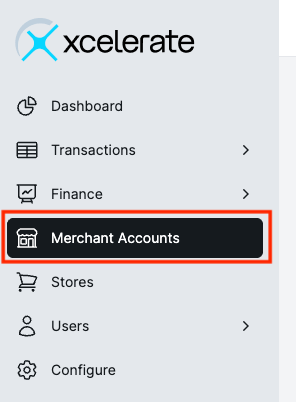
- From the left navigation menu, click Merchant Accounts.
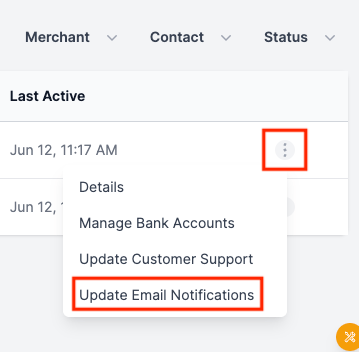
- Select the 3 dots on the right side of the screen for the appropriate merchant account.
- From the drop down, select Update Email Notifications.
- Input the email addresses you would like to receive the notifications and toggle on the notifications you would like to receive.
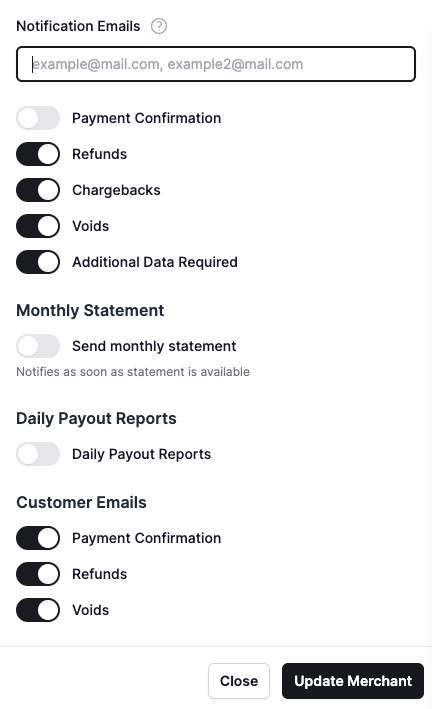
- Click Update Merchant to save changes.
The Customer Emails notifications are related only to actions taken in the merchant portal.