![xcelerate-black-color-1.png]](https://www.xlrestorationsoftware.com/hs-fs/hubfs/xcelerate-black-color-1.png?height=40&name=xcelerate-black-color-1.png)
-
Log in to the merchant portal at payments.xlrestorationsoftware.com.
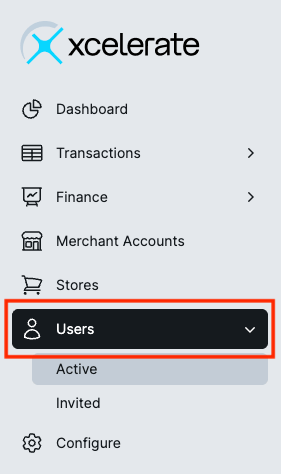
- Select Users from the left navigation.
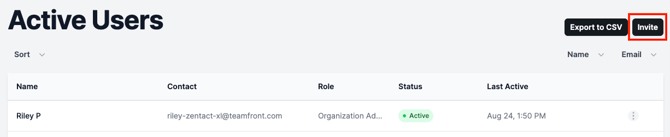
- Click Invite on the right side of the screen.
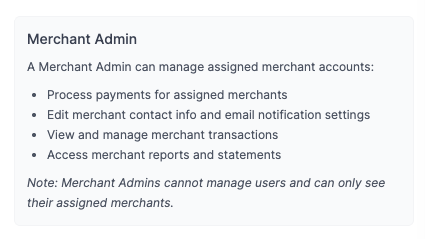
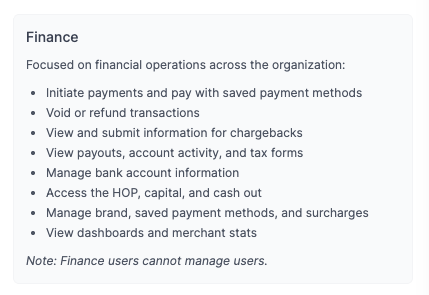
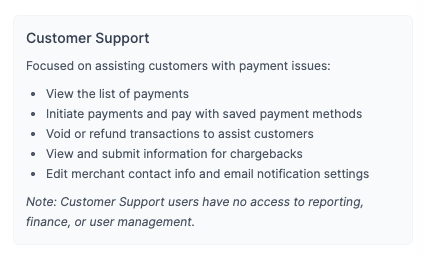
- Input the user information and select the appropriate Role. Descriptions for each Role type are listed below.
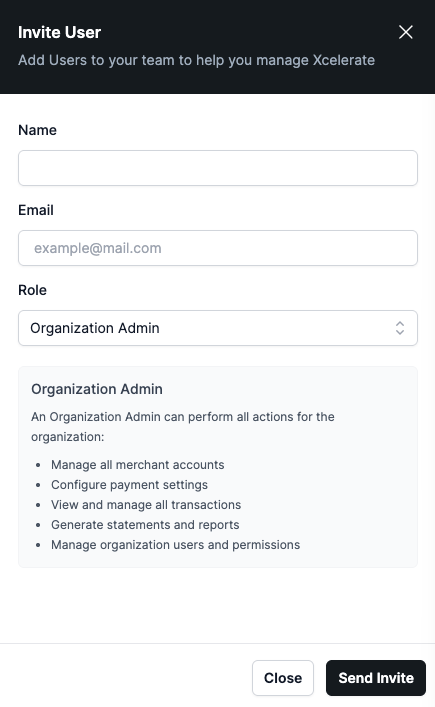
- Click Send Invite to send to the user.
Merchant portal invitations expire 14 days after they are sent. You can check the status and resend invited from the Invited Users tab.