![xcelerate-black-color-1.png]](https://www.xlrestorationsoftware.com/hs-fs/hubfs/xcelerate-black-color-1.png?height=40&name=xcelerate-black-color-1.png)
Remove the old integration
Step 1: Log in to Xcelerate.
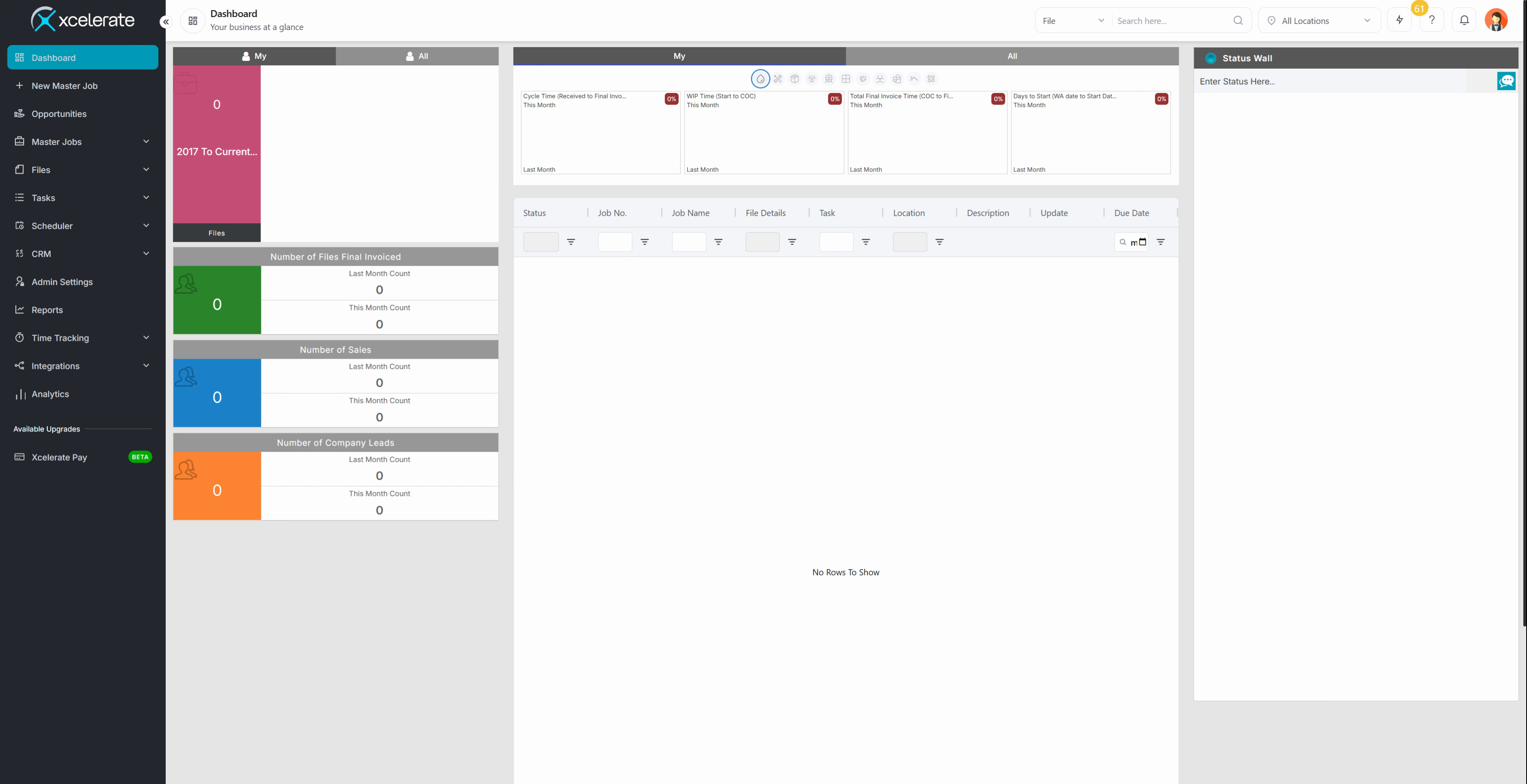
Step 2: Go to Admin Settings.
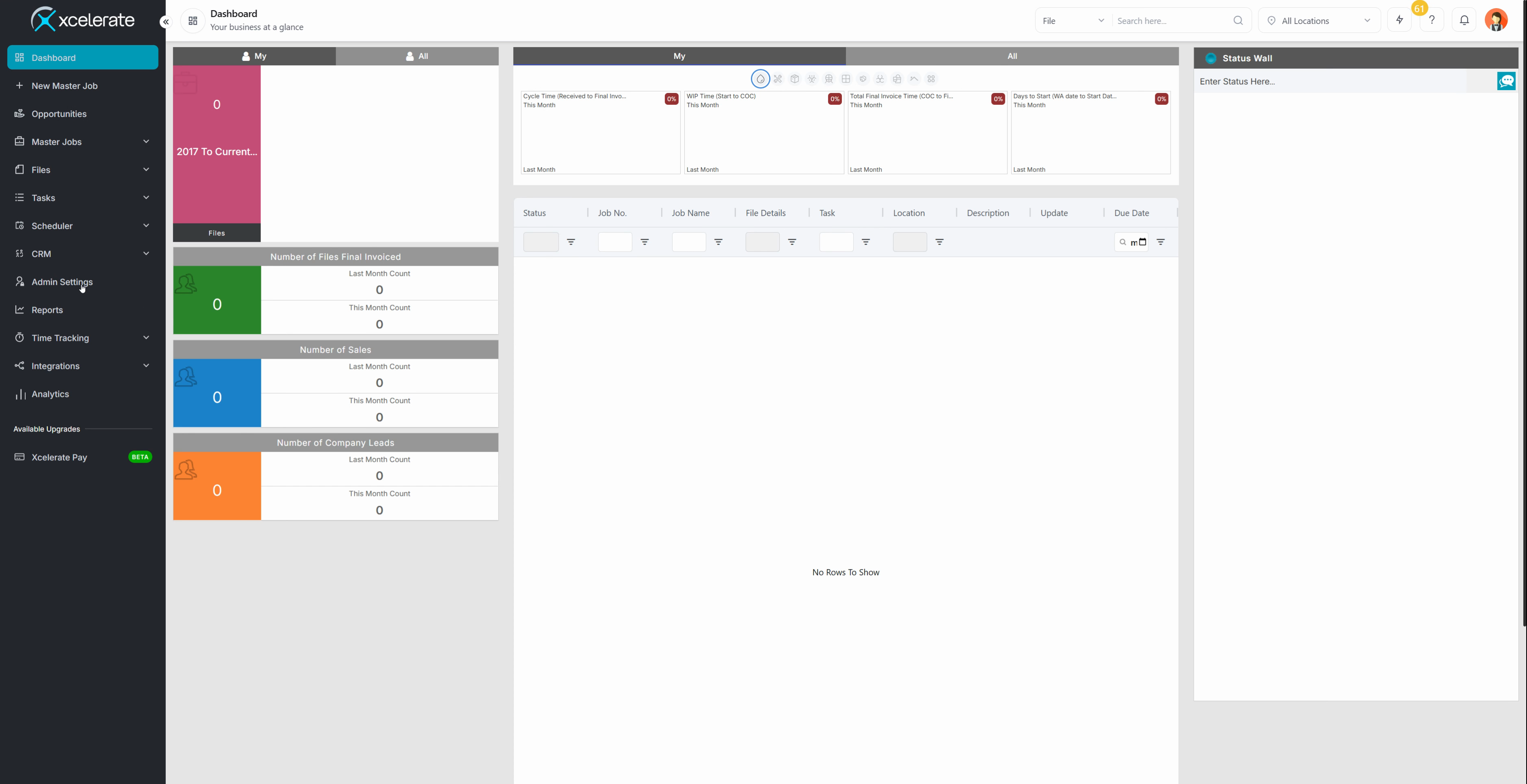
Step 3: Select Manage Users.
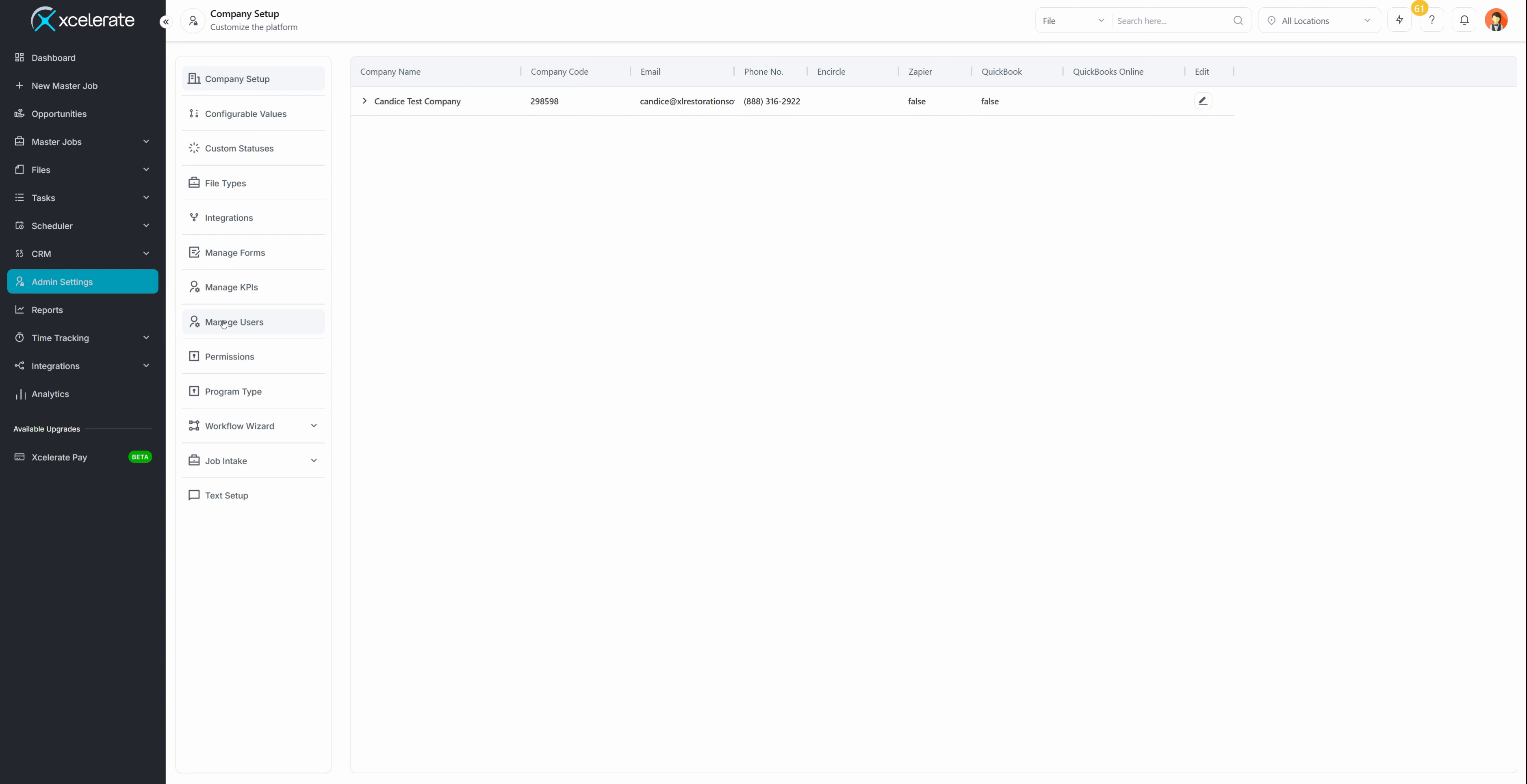
Step 4: Edit your user.
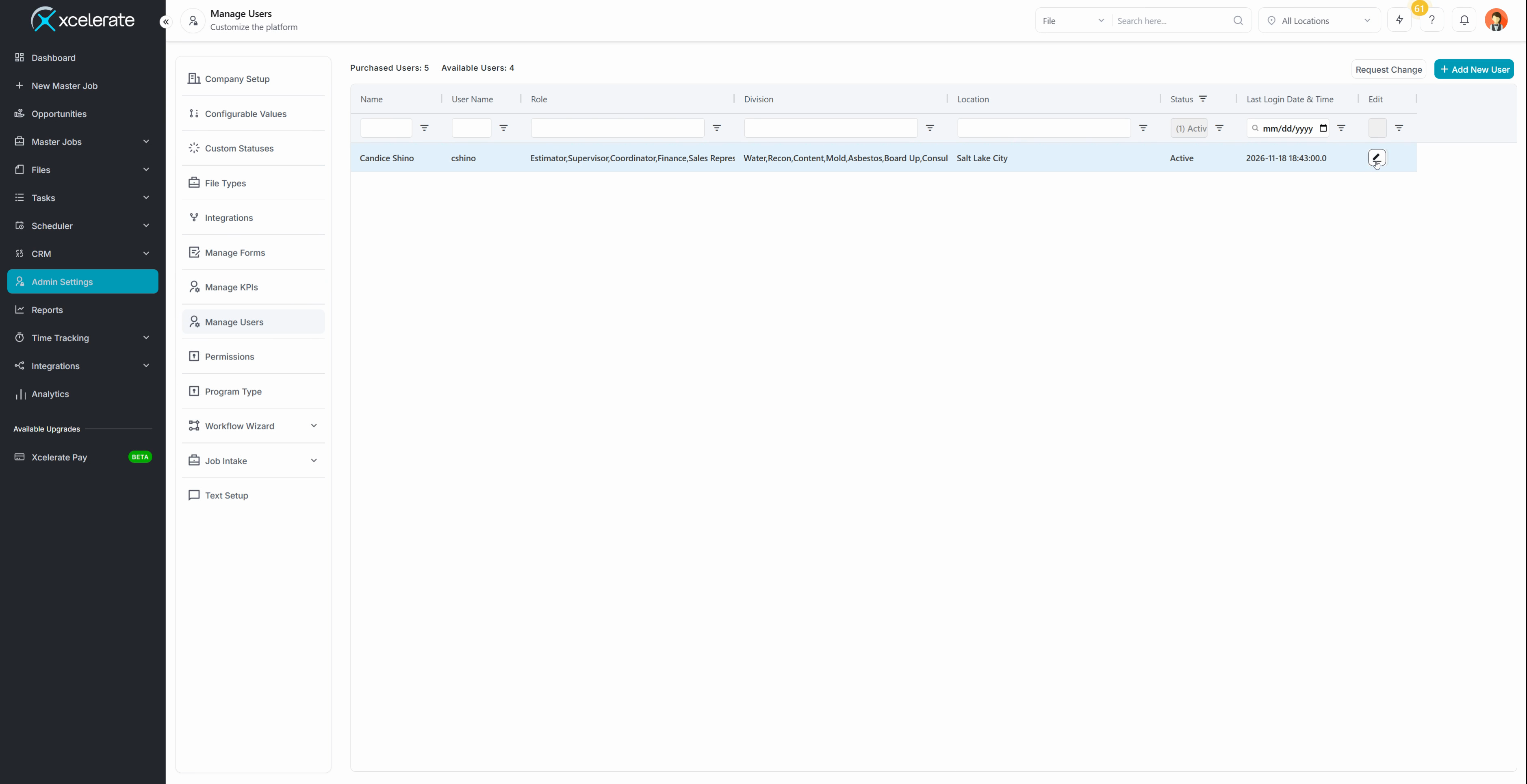
Step 5: Scroll to Integrations. You'll see the old Xcelerate email integration listed here.
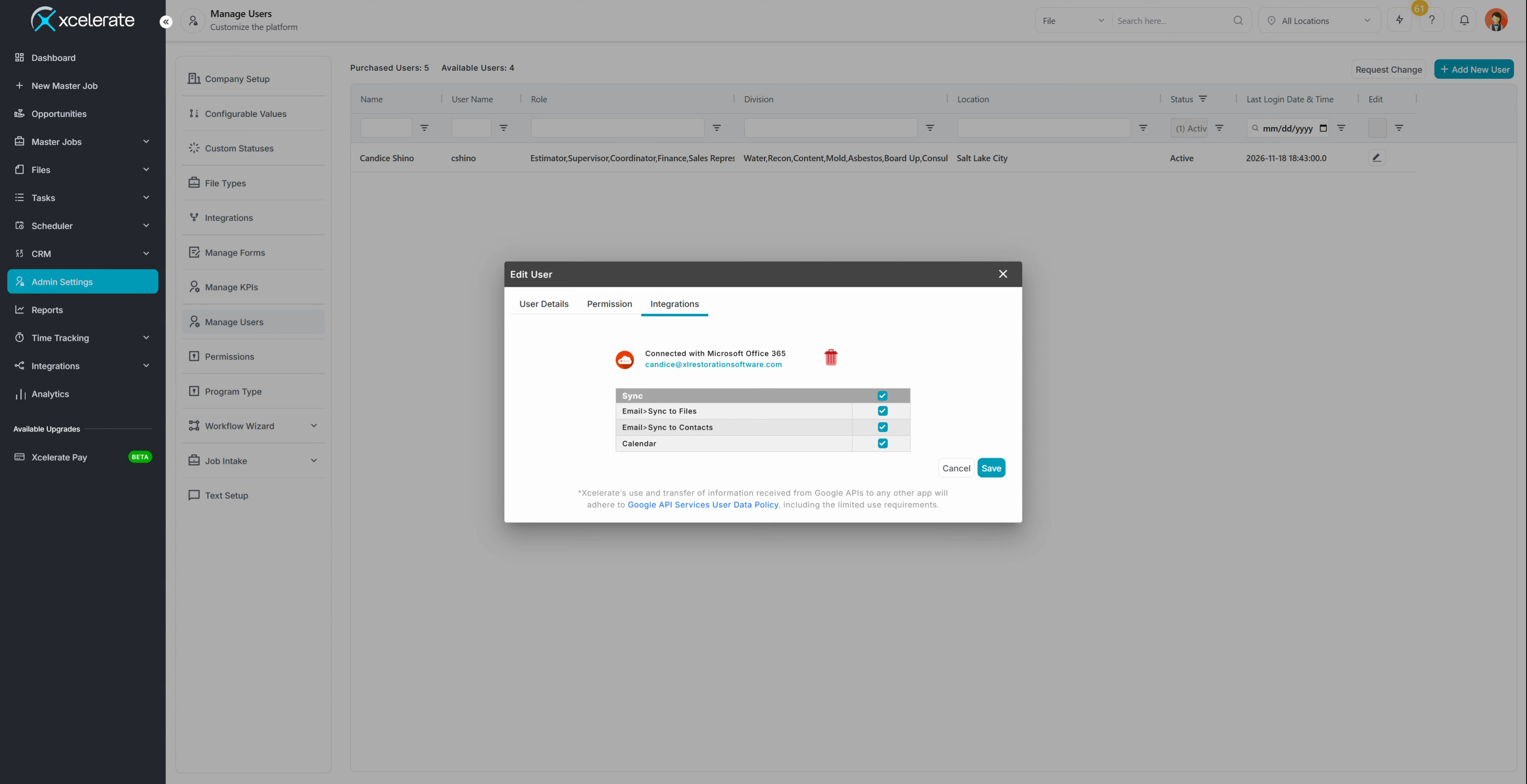
Step 6: Select the Delete icon next to the old integration.
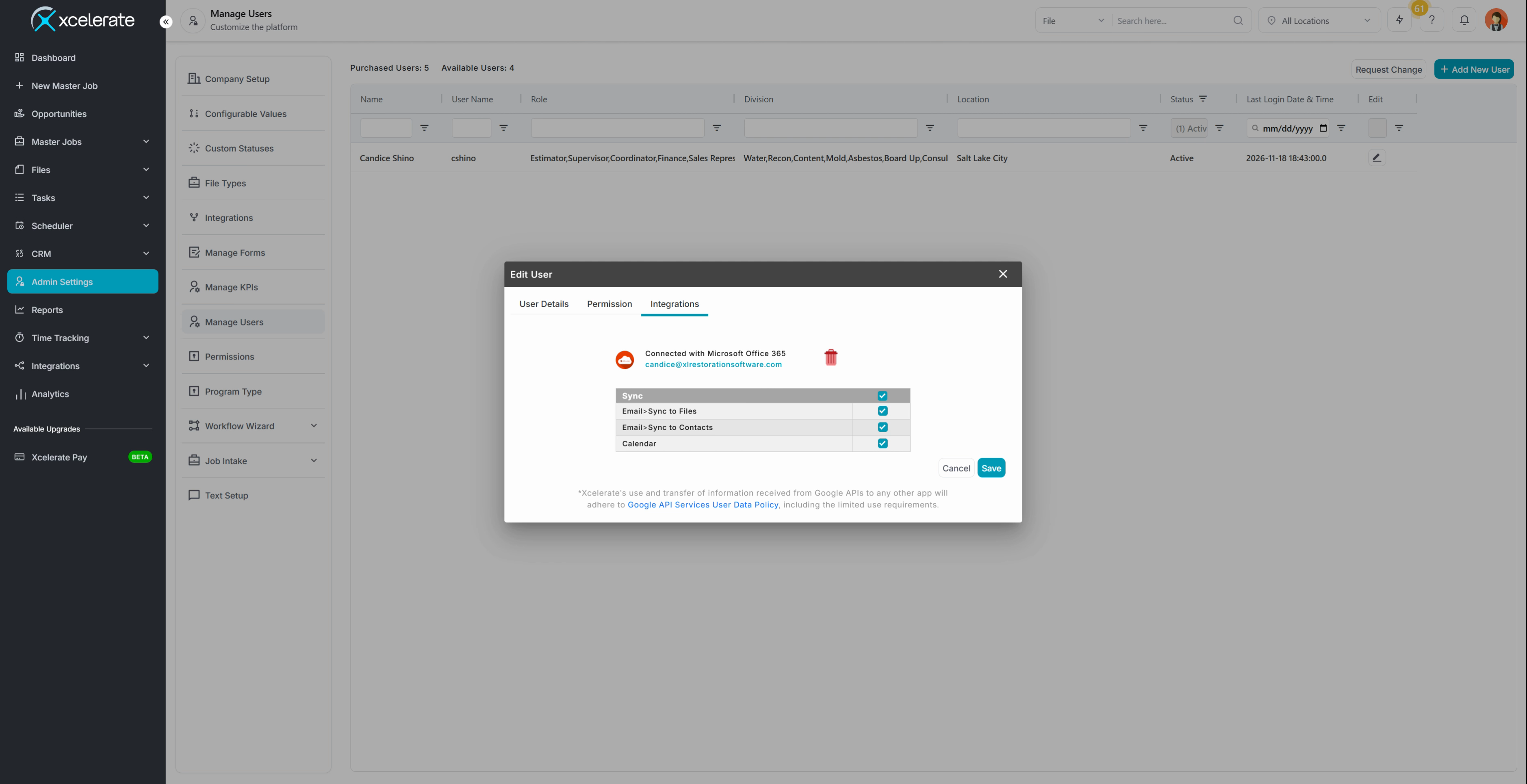
Get ready for the new integration
Once the old integration is gone, you're ready to set up the new Xcelerate email integration. A separate video covers the full setup.
Published 11.2026